ACKNEX Reborn
Play classic 3D GameStudio A3 games on modern Windows and Linux, with widescreen, mouse look and smooth high frame rates.
Beta 0.4Games are not included: you need the game's own files. Questions and bug reports: Discord.

Update 0.4 available: what's new
- Modded graphics: put PNG images in a game's
modfolder to replace its textures, sprites, sky, panels, fonts and model skins, at any resolution (see Modded graphics). - OpenGL: panels, text and the mouse pointer are drawn with OpenGL too.
- Windows MIDI: on Windows, MIDI music now plays through Windows' own synthesizer by default, so it sounds the way the games sounded when they came out. The built-in synthesizer is still there: turn off Windows MIDI on the Devices tab.
- SoundFont: MIDI music can use a SoundFont (
.sf2) of your choice. - Saints of Virtue: plays its ending video from
INSTALL.MPG, made from the CD'sINSTALL.DAT(see Game videos). - Video converter: makes the game videos'
.MPGfiles, in the releases area of our Discord (see Game videos). - Black Bekker: the "no signal" screen covers the mini map in OpenGL.
- OpenGL: signs and other wall decals no longer flicker or break up at a distance.
ACKNEX Reborn is a native port of the ACKNEX 3 engine, the runtime behind games made with 3D GameStudio A3 in the late 1990s. It runs those games directly on today’s systems, with no DOS box or Windows 98 needed. You can play them just as they looked in 1998, or turn on modern graphics and controls.
Screenshots
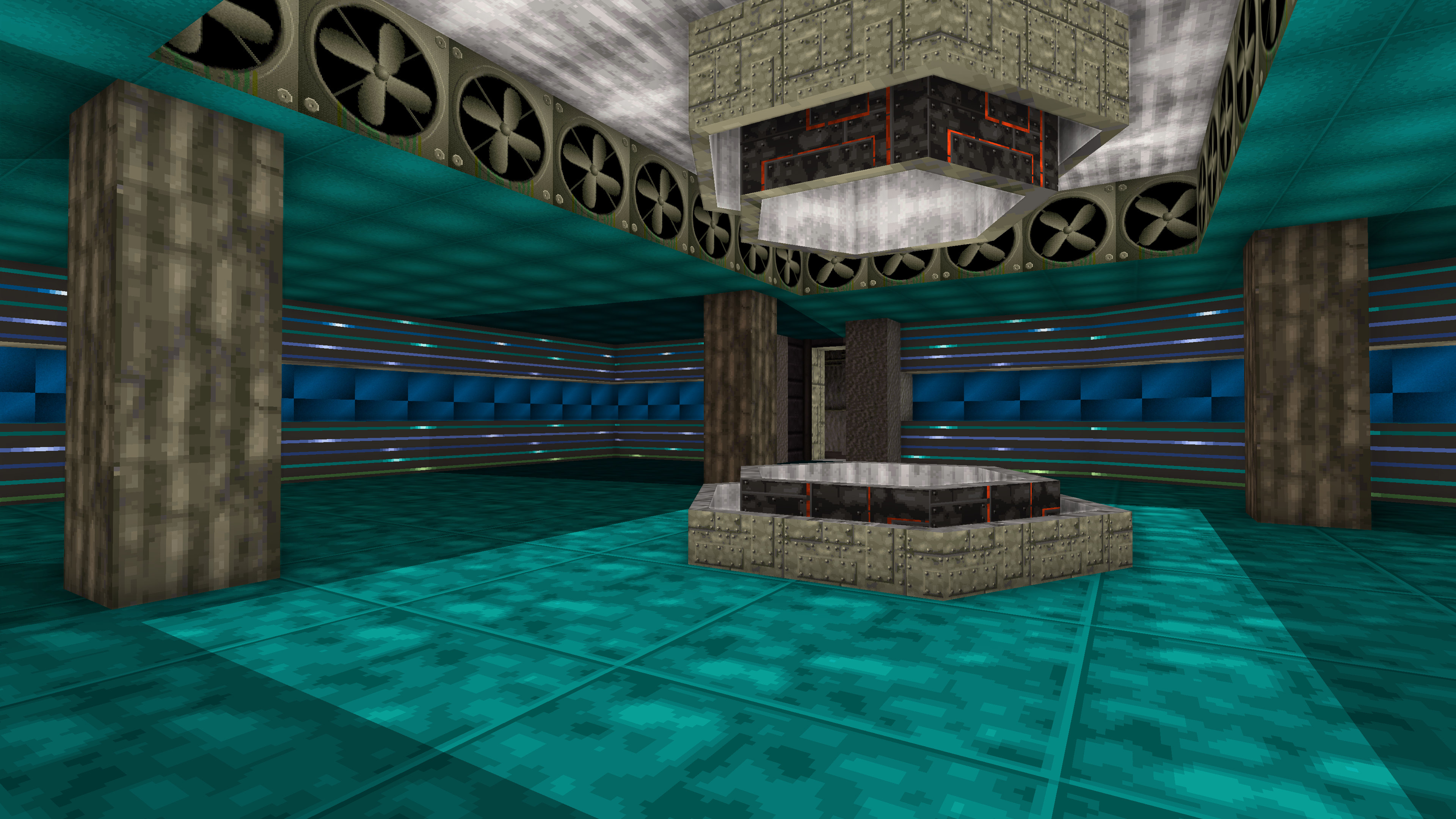
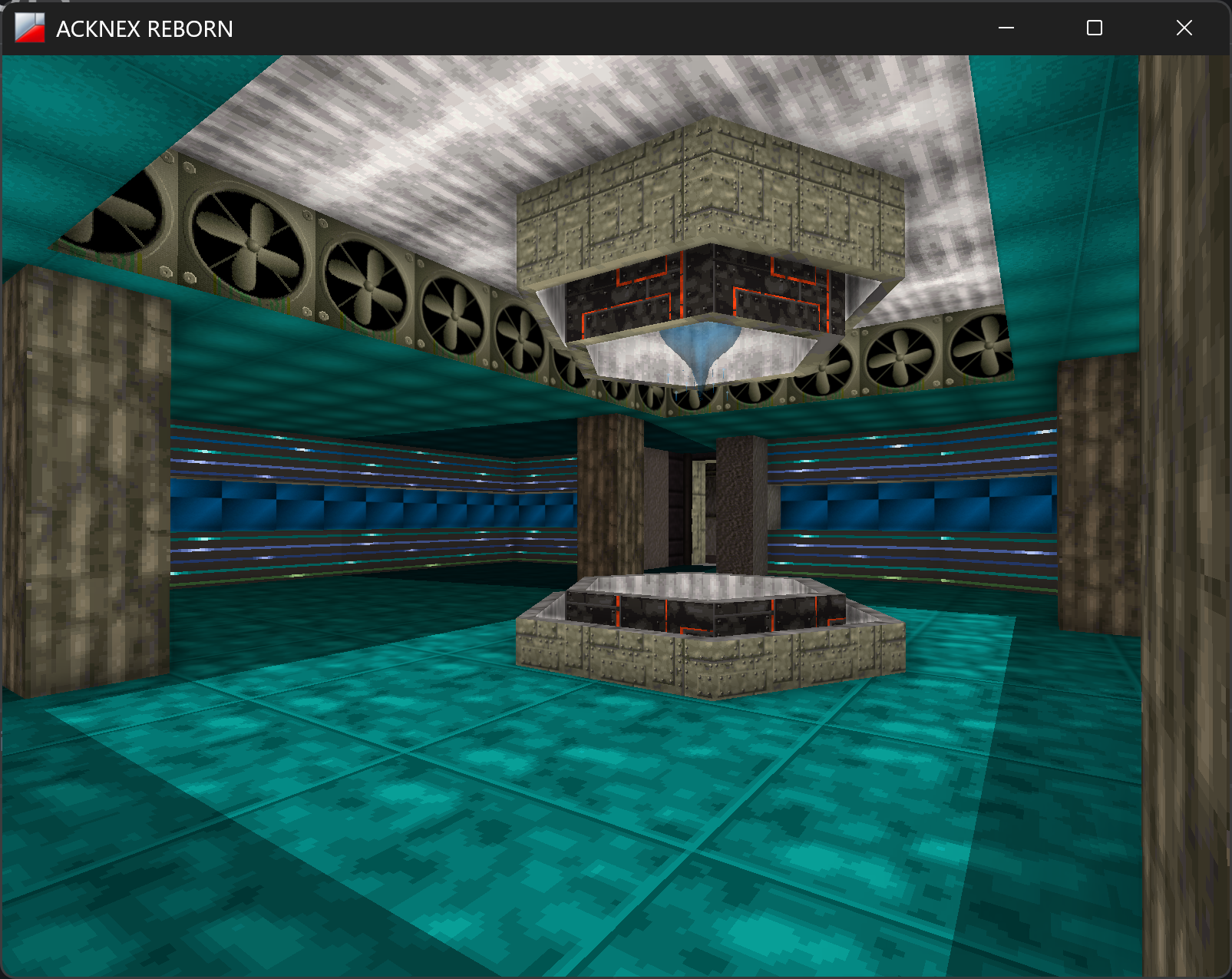
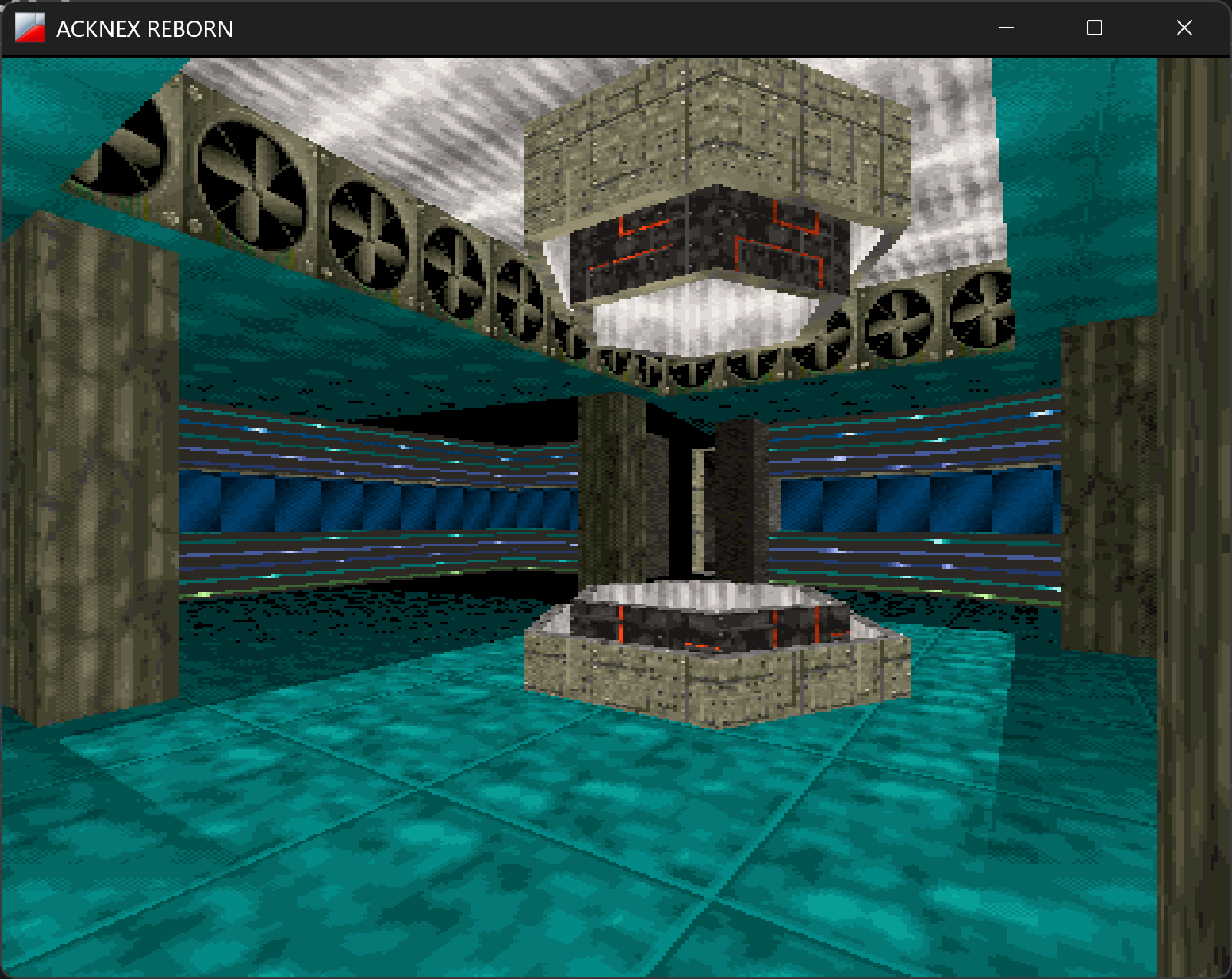
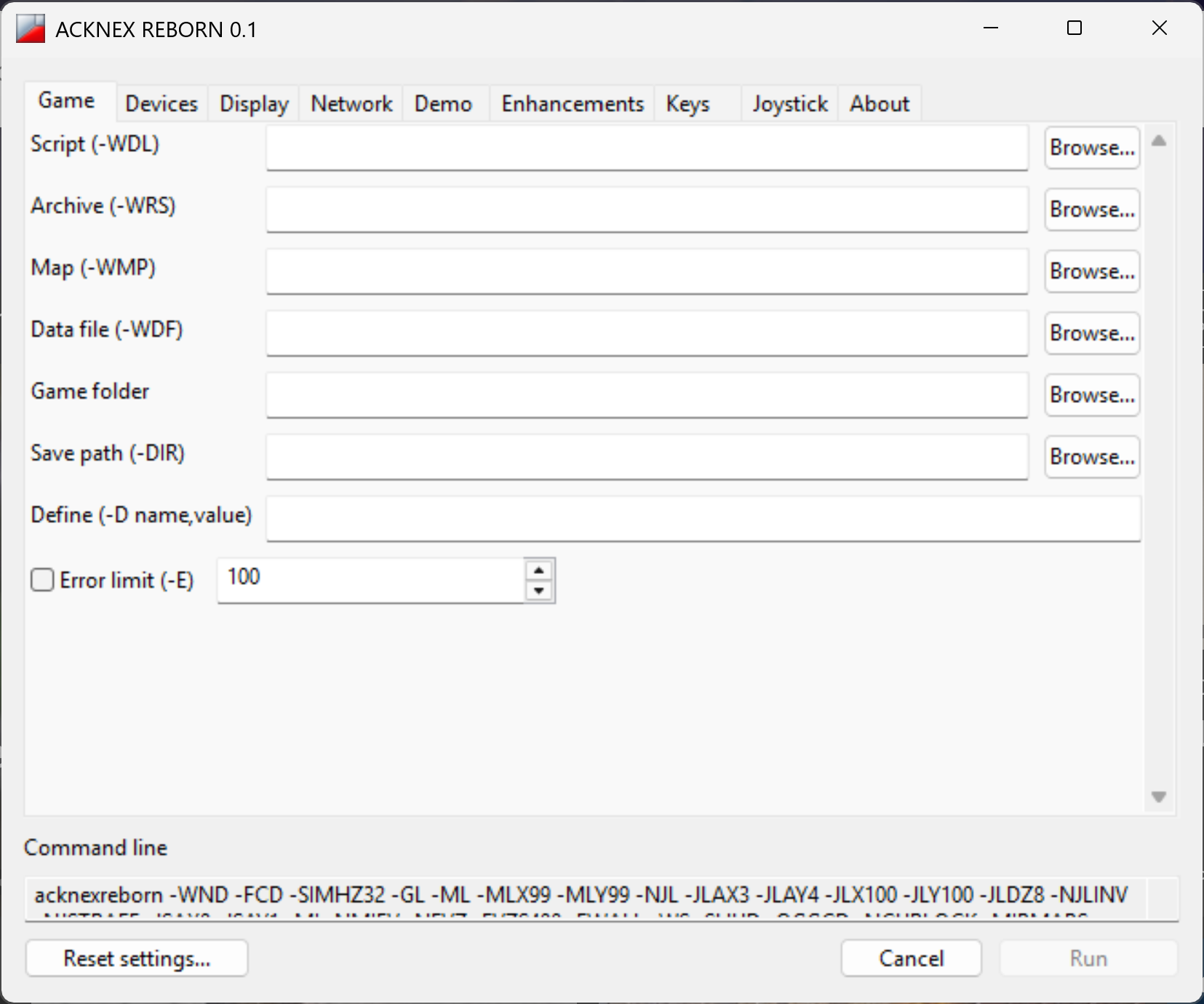
Features
Native Windows and Linux
64-bit builds for both.
Two renderers
A new OpenGL renderer, or the original software renderer. Switch between them while you play.
Widescreen and any resolution
Fill the whole screen, at any window size up to 4K and beyond.
Better graphics
Filtered textures, optional ambient occlusion and an adjustable field of view.
Modern controls
Mouse look, WASD movement, key rebinding, and joystick look and button bindings.
Smooth at high frame rates
Games run at a constant speed on every device.
Fixes for modern computers
Issues that only show up on today's computers are fixed, so games play the way they were meant to.
Many compatible games
See the list below.
Easy launcher
Pick a game, choose your options and play.
In-game panel
Press F11 while playing to change options.
Compatible games
These are some of the games known to work. Many other A3 games have been tested as well, so this is not a complete list: if a game you have isn’t here, try it, and tell us on Discord how it went.
- 3D Hunting: Grizzly
- 3D Hunting: Shark
- 3D Hunting: Trophy Game
- 3D Hunting Trophy: Whitetail
- Alien Anarchy
- Angst: Rahz' Revenge
- Black Bekker (Download)
- Der Name des Bruders
- Hades 2 (Download)
- Incidente em Varginha
- Mr. Pibb: The 3D Interactive Game
- Saints of Virtue (Download)
- Shadow of the Lost Citadel
- Skaphander: Der Auftrag
- Taco Bell Tasty Temple Challenge
- Virus Explosion
Downloads are on each game’s own site. ACKNEX Reborn does not include any game.
Getting started
- Download the build for your system and extract it to a folder of its
own, for example
C:\Games\ACKNEX Rebornor~/acknex-reborn. - Start it. Run
acknexreborn.exeon Windows, oracknexrebornon Linux. It opens the launcher. - Pick the game. On the Game tab, press Browse next to Script
and choose the game’s
.WDLfile. For a game shipped as one archive, choose its.WRSfile under Archive instead. The game’s folder is filled in for you. - Press Run. Your choices are saved and will be there next time.
For most of the compatible games there is a quicker way:
extract the package into the game’s own folder and run acknexreborn there.
The game starts straight away. A few games first ask about their own options,
such as the language or skipping the intro.
While playing:
| Key | Does |
|---|---|
| F11 | Opens the in-game panel (you can change this key in the launcher) |
| Alt+Enter | Switches between fullscreen and a window |
| F10 | Quits, in most games |
You can also skip the launcher and start a game from its folder:
acknexreborn GAME.WDL followed by any of the switches listed below, for example
acknexreborn GAME.WDL -GL -WS -ML. For one of the compatible games you can
name its folder instead, from anywhere: acknexreborn D:\games\hades2.
Settings from the launcher still apply; switches on the command line win.
Launcher options
Every option in the launcher also has a command-line switch, shown in brackets in the launcher and below. The Command line box at the bottom of the launcher shows exactly what will be used. Reset settings… puts everything back to the defaults listed here. Hover over any option in the launcher for a short description.
The in-game panel
Press F11 while playing to open the panel. It has most of the launcher’s options, and changes apply right away. They are saved for the next time you play.
Troubleshooting
The Run button is greyed out
Choose the game first: on the Game tab, use Browse to pick the game’s
.WDL script or .WRS archive.
"The script name is longer than 12 characters"
Use Browse rather than typing a path: it puts just the file name in the box and the folder in Game folder.
Windows warns that the program is from an unknown publisher
The beta builds are not signed yet; the warning does not mean anything harmful was found.
- Choose More info, then Run anyway.
- Or, before unpacking, right-click the downloaded
.zip, choose Properties, tick Unblock and press OK. Files unpacked from it will then start without the warning.
Windows Defender or another antivirus removes or blocks the program
This is a false alarm.
- Download ACKNEX Reborn only from this page or Discord.
- Restore the file from quarantine (Windows Security > Virus & threat protection > Protection history) and allow it.
- You can report the false alarm to Microsoft at https://www.microsoft.com/wdsi/filesubmission, and let us know on Discord so we can follow it up.
On Linux, nothing happens when I start it
- Make sure the file is executable:
chmod +x acknexreborn. - Start it from a terminal to see any error message.
- The launcher needs GTK 3, which most desktops already have. You can also
skip the launcher and start a game directly:
./acknexreborn GAME.WDL.
The game stops with a script error while loading
- Check that Support games for engine V3.680 and V3.56 are on (Enhancements tab). Many older games need one of them. For a game from 1995, also try V3.08.
- If the game still stops, turn on Error limit on the Game tab and set it to a few errors, so the game keeps going past them.
- Please report the game on Discord, with the error message.
A cutscene freezes, or the camera doesn't turn when the game wants it to
Turn off Mouse look, and Modern WASD movement if the controls also feel wrong.
The controls don't match the game's instructions
Modern WASD movement and Key rebinding change the controls on purpose. To play with the game’s original controls, turn both off. To change a single key, edit the rows on the Keys tab.
A cheat or a typed word doesn't work
Make sure Trigger WASD events is on (Enhancements tab), or turn Modern WASD movement off.
The game runs too fast, or animations are too fast
Keep Fixed game speed and Fix texture animation speed on, and leave vsync on (No vsync off). If you turned vsync off, set Frame cap when vsync is off to a normal value such as 144.
Jumps are too high or too low
Turn on Fix jumps and falls (Enhancements tab) and adjust Jump and fall strength. You can do this live in the in-game panel (F11) to find the right value for a game.
Widescreen, ambient occlusion or other graphics options are greyed out
Those options only work with the OpenGL renderer. Turn it on first.
I can't open the Windows Game Bar
Turn on Fullscreen as a window (Display tab).
The game stutters or runs slowly
- Turn off Ambient occlusion, which costs the most.
- Try a smaller window size, or turn off Smooth distant textures.
- Update your graphics driver.
- If it happens only in OpenGL, try the original software renderer (turn off OpenGL renderer).
There is no music
- For MIDI music, keep
FluidR3_GM.sf2in the same folder asacknexreborn. - For CD music, copy the CD’s audio tracks into the game’s folder as
track2.ogg,track3.oggand so on (the same numbers as on the CD), and keep CD music from .ogg files on. - Check that Music volume is above 0 and that No music and No audio at all are off.
Mouse clicks miss what I'm aiming at
Turn on Pin the cursor to the view’s centre, so clicks land on the crosshair while mouse look is on.
Two-player games can't find each other
- One player must be node 0 and the other node 1.
- Both must use the same Base port.
- Enter the other player’s address, or leave it empty on the same local network.
- Allow the program through your firewall (it uses UDP).
I changed too many settings and want to start over
Press Reset settings… in the launcher. Your settings are stored in
wwrun.cfg next to the program; deleting that file does the same.
The game crashed
Note the message in the crash window, turn on Show the console on the Display tab, and try again. Then report it on Discord with the game’s name, what you were doing and what the console showed.
Game videos
Incidente em Varginha, Alien Anarchy, Saints of Virtue and Saints of Virtue X can play their original videos. The ACKNEX Reborn video converter makes them from your own copy of the game: get it in the releases area of our Discord, and ask there if you get stuck.
These files are for your personal use. ACKNEX Reborn does not distribute them, and ACKNEX Reborn, its developers and contributors are not responsible for unauthorised or illegal redistribution of copyrighted game files.
Modded graphics
With the OpenGL renderer, a game’s images can be replaced by PNG files at any
resolution, from a mod folder in the game’s folder. How to make them, with
examples, the WRS extractor to get the original images out, and other
players’ mods: the #modded-graphics channel of our
Discord.
About
ACKNEX 3 (3D GameStudio 3) is (C) oP group Germany GmbH.
ACKNEX Reborn is developed and maintained by Ricardo Reis, with permission from Johann Christian Lotter (oP group).
ACKNEX Reborn is free. It may not be sold, or included with anything that is sold, without permission. The games it runs belong to their owners, and ACKNEX Reborn includes none of them.
Special thanks to:
Johann Christian Lotter, creator of ACKNEX / 3D GameStudio, and the entire ACKNEX Reborn community.
Third-party software:
- SDL 3 - zlib License
- SDL_mixer - zlib License
- TiMidity - Artistic License
- stb_vorbis - MIT License
- TinySoundFont - MIT License
- PL_MPEG - MIT License
- Dear ImGui - MIT License
- libui-ng - MIT License
- FluidR3_GM SoundFont, by Frank Wen and Toby Smithe - MIT License
Website: https://rickomax.github.io/acknex-reborn
Discord: https://discord.gg/Fdz6kjX8Jk
oP group: https://www.opgroup.de
Support the project: https://ko-fi.com/X8X3MRF5W